PC display · ultrawide support
STAR WARS Zero Company Ultrawide Support: 21:9 and 32:9
STAR WARS Zero Company supports 21:9 and 32:9 ultrawide monitors according to the launch FAQ. That confirms aspect-ratio support, not a promise that every cutscene, UI panel or community overlay fills both formats identically.
Updated
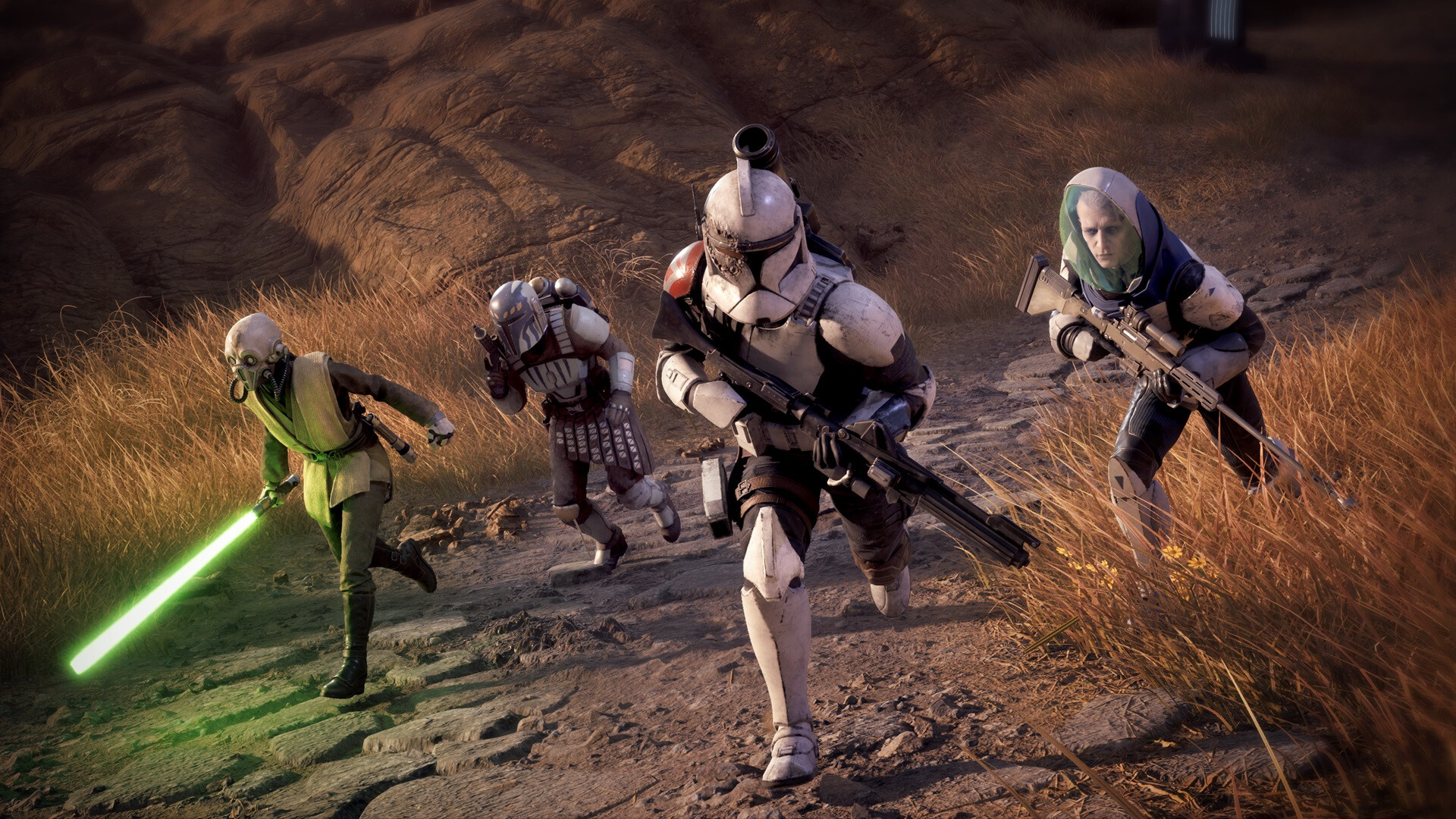
Supported aspect ratios
The developer specifically names 21:9 and 32:9 ultrawide monitors. These are the two formats this guide can state as supported without converting the answer into a wider “all ultrawide resolutions” claim.
- 21:9: supported.
- 32:9: supported.
- Every possible custom resolution: not separately confirmed.
What to check in the first mission
Test a Den scene, the galaxy map and a tactical mission. Check the field of view, cursor position, dialogue text, ability panels and any black bars. Record the resolution and whether the problem appears only in a cinematic or also during input.
If the UI looks wrong
Use the game’s display options and restore the native aspect ratio before adding a third-party fix. Capture the build number and the exact monitor ratio in a bug report. The PC requirements guide covers hardware tiers, while this page is about display geometry.